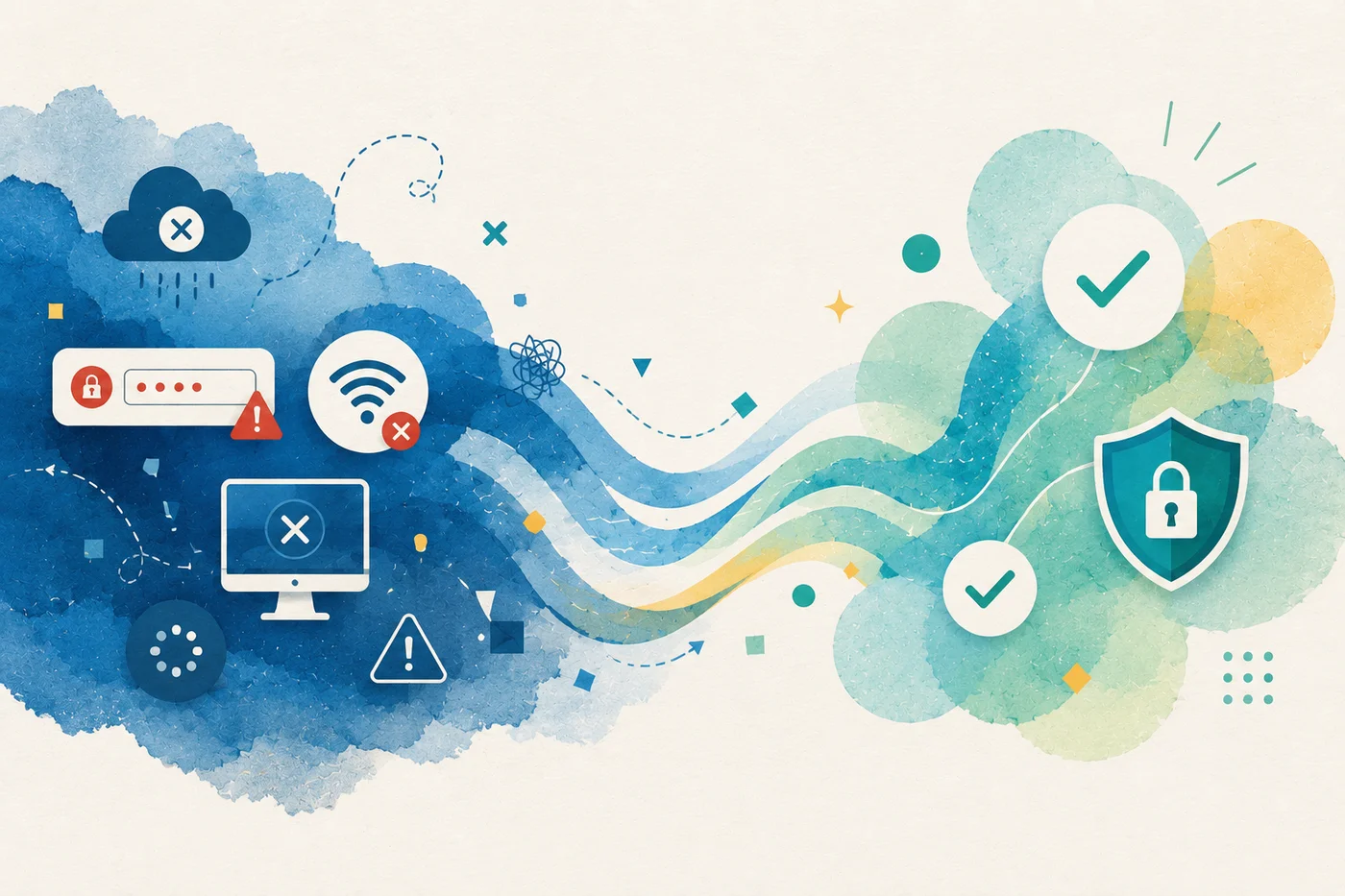
Most clinics don't think much about IT when everything is working — the internet is up, the printers work, the phones are ringing, staff can access the EMR, and patients are being seen.
Then, one morning, nobody can log in. Suddenly the front desk cannot check patients in and providers cannot access charts. Billing workflows stop moving and everyone is standing around trying to figure out who to call. That is usually when IT becomes a priority.
The problem isn't major outages. It's all the small ones.
When people hear "IT support," they often think about major cyberattacks or complete system failures. In reality, most healthcare IT issues are much less dramatic. For example, a scanner stops uploading insurance cards, a workstation cannot access the EMR, a printer goes offline, or a staff member gets locked out of an account.
None of these issues are severe, but they still disrupt patient care. For busy clinics, dozens of small technology problems often create more operational headaches than one major outage.
Every minute of downtime affects more than IT
Healthcare has become deeply dependent on technology. Systems such as scheduling, intake, documentation, billing, eligibility verification, patient communication, and reporting all rely on technology working properly.
When those systems go down, the impact spreads quickly. Staff spend time troubleshooting instead of helping patients. Appointments slow down. Billing work gets delayed. Providers lose access to information they need during visits. The costs add up surprisingly fast.
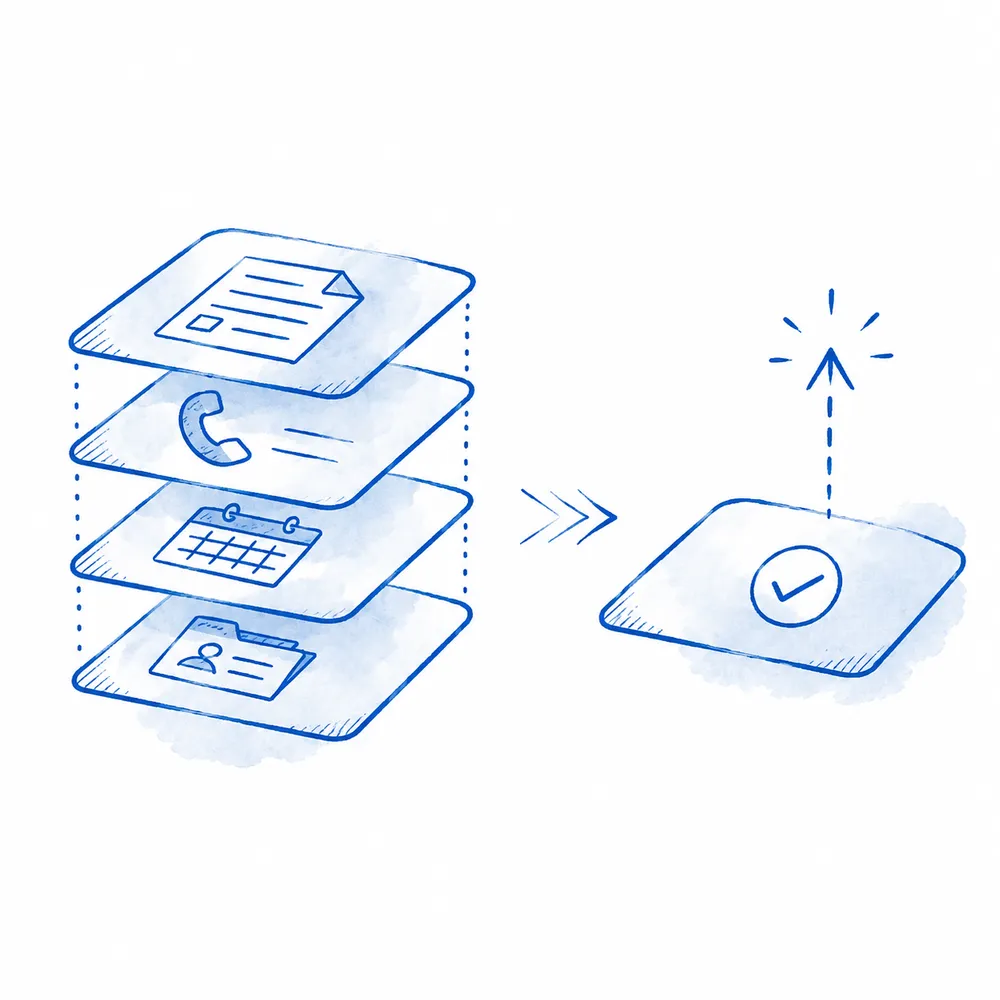
Healthcare organizations lose an estimated $1.9 million when tech infrastructure fails.1
What does a healthcare IT help desk actually do?
A good healthcare IT help desk is not just there for emergencies. Its job is to prevent small problems from becoming bigger ones and to make sure staff know exactly where to go when something breaks.
That often includes:
- User account support
- Password resets
- EMR access issues
- Printer and workstation troubleshooting
- Network connectivity issues
- Software configuration support
- Basic device management
- Vendor coordination when escalation is needed
Think of it as first-line operational support for the clinic's technology environment. The goal is not to replace specialized vendors. It is to make sure someone owns the problem and helps drive it to resolution.
Why many clinics struggle without dedicated support
In smaller practices, technology support often falls to whoever seems most comfortable with computers. Often the practice administrators jump from system to system, troubleshooting or contacting vendors, or even providers themselves end up dealing with technical issues.
That arrangement usually works until the clinic grows. Eventually, technology issues begin competing with the work people were actually hired to do. The result is frustration, slower operations, and delayed resolutions.

“Since many of our appointments are virtual, our office manager was spending hours on Zoom each week coordinating IT issues. We didn't realize how much time it was consuming until someone was proactively monitoring it.”
Monitoring matters as much as fixing
One of the biggest shifts in healthcare IT is moving from reactive support to proactive monitoring. Instead of waiting for someone to report a problem, systems can be monitored continuously for issues such as:
- Device outages
- Connectivity problems
- Failed integrations
- Performance degradation
- Security concerns
That allows many problems to be identified before they affect staff or patients. The best support systems spend less time reacting because they are watching for issues before users notice them.
When to escalate
Not every problem should be solved internally. Sometimes the right answer is escalating directly to the EMR vendor, internet provider, cybersecurity team, or hardware manufacturer. The time suck in these cases is coordinating those conversations.
Anyone who has ever sat between multiple vendors pointing fingers at one another knows how frustrating that can be. A good healthcare IT help desk helps manage those relationships, gather information, and keep issues moving toward resolution. The clinic should not have to become the project manager.
How Beam Support fits in
Beam Support is designed to act as a first-line healthcare IT help desk for clinics. That includes helping staff resolve everyday technology issues, monitoring systems for common problems, and coordinating with vendors when larger issues require escalation.
The goal is not to replace every IT provider a clinic already uses. It is to provide a single place to start when something goes wrong since most clinics do not need more technology, they need technology that works consistently.
The best IT support is the kind you barely notice
When people think about operational improvements, they often focus on new software, automation, or AI workflows. But some of the biggest improvements come from reducing interruptions.
Improvements like fewer login issues, support tickets, and mornings spent troubleshooting printers before patients arrive may not be exciting, but they are incredibly valuable.
Sources
- Comparitech. Ransomware attacks on US hospitals and healthcare organizations. https://www.comparitech.com/news/ransomware-attacks-hospitals-data/